In this guide, you will learn how to choose and use a laptop stand for optimal ergonomics. Improve your posture, reduce strain, and boost productivity with these essential tips.
Contents
Key Takeaways
- Comfort is Key: An ergonomic laptop stand helps reduce neck and back strain.
- Correct Height Matters: Your screen should be at eye level for better posture.
- Adjustability is Essential: Choose a stand that can be adjusted to fit your needs.
- Material Matters: Lightweight and durable materials enhance usability.
- Additional Features: Look for stands with built-in cooling or cable management.
- Regular Breaks: Remember to take breaks to further enhance comfort and productivity.
Ultimate Laptop Stand Ergonomic Guide for Comfort and Productivity
In today’s world, many of us spend hours working on laptops, whether for work, school, or leisure. This prolonged use can lead to discomfort and health issues if not addressed properly. In this comprehensive guide, we will explore how to choose and set up a laptop stand for optimal ergonomics. By the end, you will know how to improve your posture, reduce strain, and enhance your overall productivity.
Why Use a Laptop Stand?
Many people underestimate the importance of ergonomics when using a laptop. A laptop stand can elevate your screen to eye level, reducing strain on your neck and back. It can also help you maintain a healthier posture, ultimately leading to better comfort and productivity.
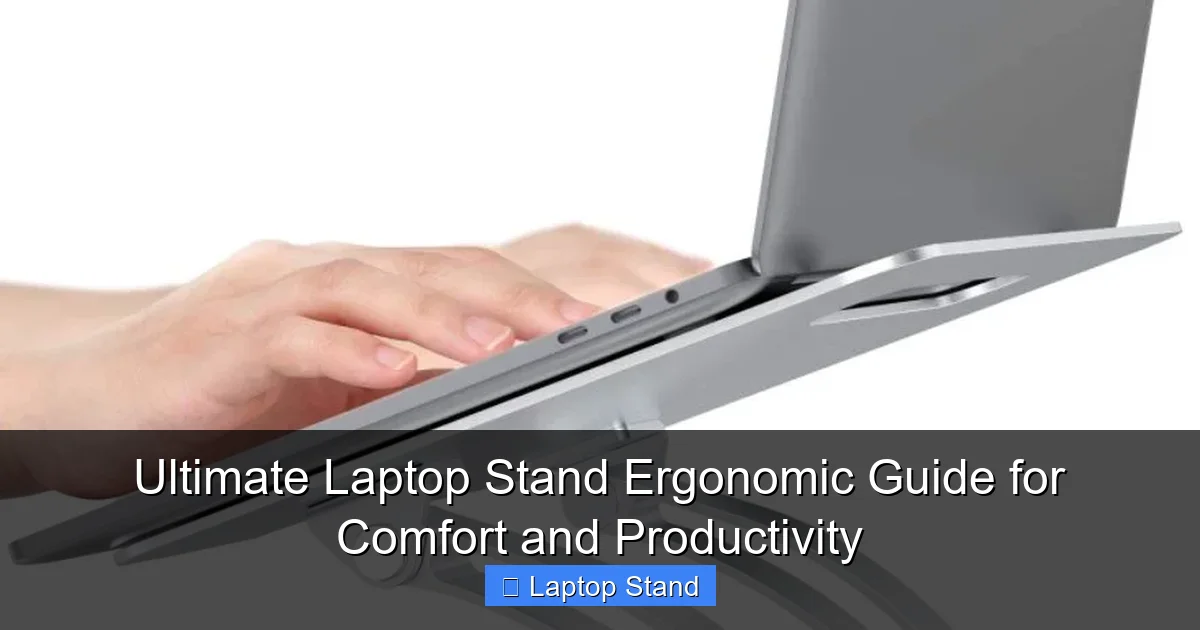
Visual guide about Ultimate Laptop Stand Ergonomic Guide for Comfort and Productivity
Image source: nerdtechy.com
Choosing the Right Laptop Stand
Choosing the right laptop stand is crucial for achieving ergonomic benefits. Here’s how to make the best choice:
1. Determine Your Needs
Before purchasing a laptop stand, consider where you will use it the most. Will it be on a desk, table, or couch? Knowing your primary location helps in selecting the appropriate style and features.
2. Consider Height Adjustability
A good laptop stand should allow you to adjust the height. This flexibility is essential for accommodating different sitting positions and desk heights. Aim for the screen to be at or just below eye level when sitting comfortably.
3. Look for Stability and Durability
Make sure the stand you choose is stable enough to support your laptop without wobbling. Materials like aluminum provide durability while remaining lightweight, making them easy to transport.
4. Check for Portability
If you plan to move your stand frequently, opt for a lightweight and foldable design. This way, you can easily carry it in your bag without adding extra weight.
5. Additional Features to Consider
Some stands come with built-in features that can enhance your experience:
- Cooling Fans: Helps prevent your laptop from overheating.
- Cable Management: Keeps cords organized and out of the way.
- Wrist Support: Provides additional comfort while typing.
Setting Up Your Laptop Stand
After selecting the right laptop stand, it’s time to set it up for optimal ergonomics. Follow these steps:
1. Position the Stand
Place the laptop stand on a stable surface. Ensure it is positioned at a comfortable distance from where you will sit. This distance should allow you to reach the keyboard without straining.
2. Adjust the Height
Adjust the height of the stand so that the top of the screen is at or just below eye level. You should be able to look straight ahead without tilting your head up or down.
3. Arrange Your Chair
Ensure that your chair supports your lower back and encourages good posture. Your feet should be flat on the ground, with your knees at a 90-degree angle.
4. Position Your Keyboard and Mouse
If using an external keyboard and mouse, position them at a level that allows your elbows to remain close to your body, forming a 90-degree angle. This prevents strain on your wrists and arms.
5. Take Breaks
Even with an ergonomic setup, it’s essential to take regular breaks. Stand up, stretch, and move around every 30 to 60 minutes to keep your body healthy and energized.
Practical Tips for Ergonomic Laptop Use
Here are some additional tips to enhance your ergonomic setup:
- Use a Separate Keyboard and Mouse: This allows for better positioning of your hands and wrists.
- Consider a Laptop Riser: For an extra boost in height, a riser can be placed under the laptop stand.
- Lighting: Ensure that your workspace is well-lit to reduce eye strain.
Troubleshooting Common Issues
1. Screen Too High or Low
If your screen is still not at the right height, re-adjust the stand until you find the most comfortable position.
2. Unstable Stand
If your stand feels wobbly, check that it is placed on a flat surface. If the issue persists, consider a sturdier model.
3. Discomfort in Wrists or Arms
Evaluate your keyboard and mouse position. They should be at a level that keeps your wrists straight and relaxed.
Conclusion
Investing in a good laptop stand can significantly improve your comfort and productivity. By following this ergonomic guide, you can create a workspace that promotes better posture and reduces strain. Remember to choose the right stand, set it up correctly, and take regular breaks. Your body will thank you for it!
🎥 Related Video: Laptop Stand With An Unexpected Feature!
📺 Beebom
We show you a laptop stand from Amazon which is super sleek & portable, looks premium and has one unexpected feature that …